
Hard drive model: WDC WD30PURX-64P6ZY0
SN: WD-WMC4N0M7HNTS
Family: DIABLO3S
6 heads
The patient hard drive was wrongly detected and capacity was 0.
After setting the jumpers, the user can read and write the rom and Dolphin remote engineer clicked bypass SA and then remove jumpers, power off and on the patient drive.
Within DFL WD firmware repair program, users can access to the firmware area, backup firmware modules directly, only two non-data recovery modules failed to read.
Next users can use DFL auto ATA loading function to load all the necessary loaders and then Dolphin engineer could start to fix the firmware failure. Dolphin engineer just simply clicked the Slow Initialization Fix, wrote back the original ROM, power off and on the drive, the data area was accessible.
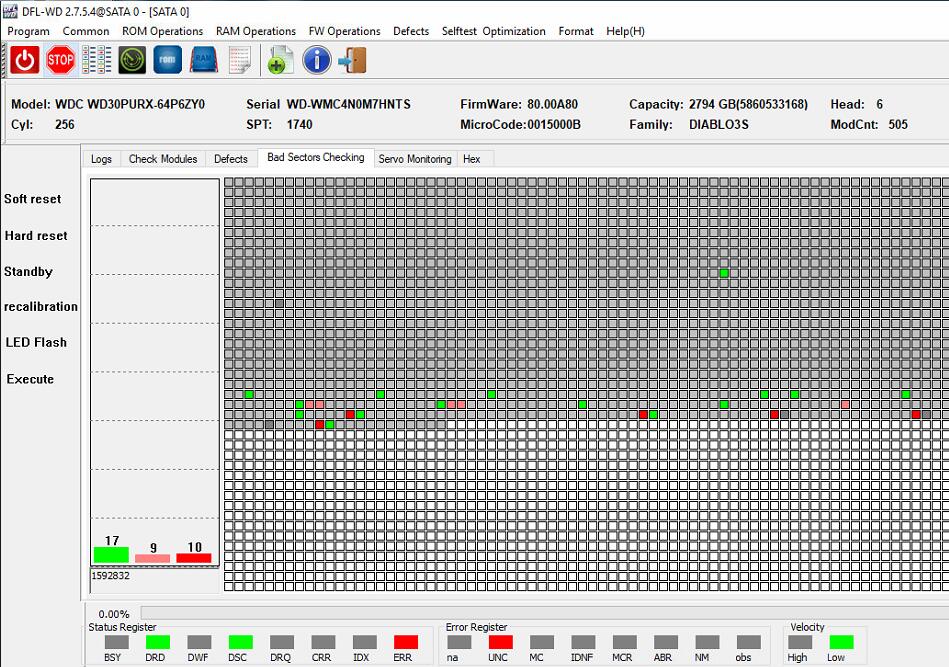
Entering the DFL DDP data recovery program, all data were listed there and the user could recover his wanted lost files easily.
